INSIDE BOX OX
Box Ox screenshots.
Take a look at the mail client, domain controls, and developer tools before you install.
Captured from Box Ox 2.4.4 with fictional demo mail. Desktop views, shown in the app’s dark theme.
Your mail, in one place.
Read a conversation, write a reply, or find the message you need.
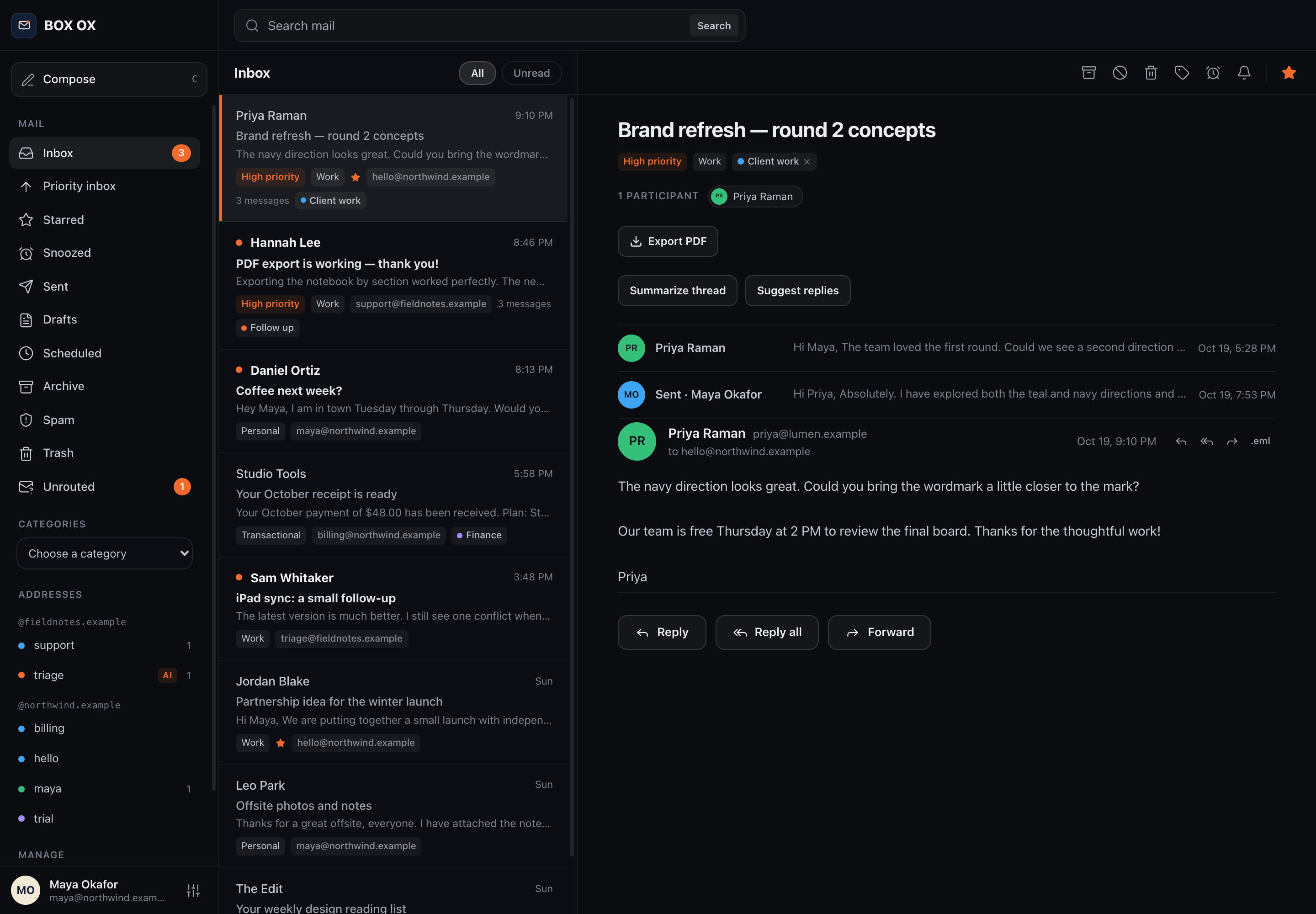
Threaded conversations
Follow a conversation with replies, participants, and labels together.
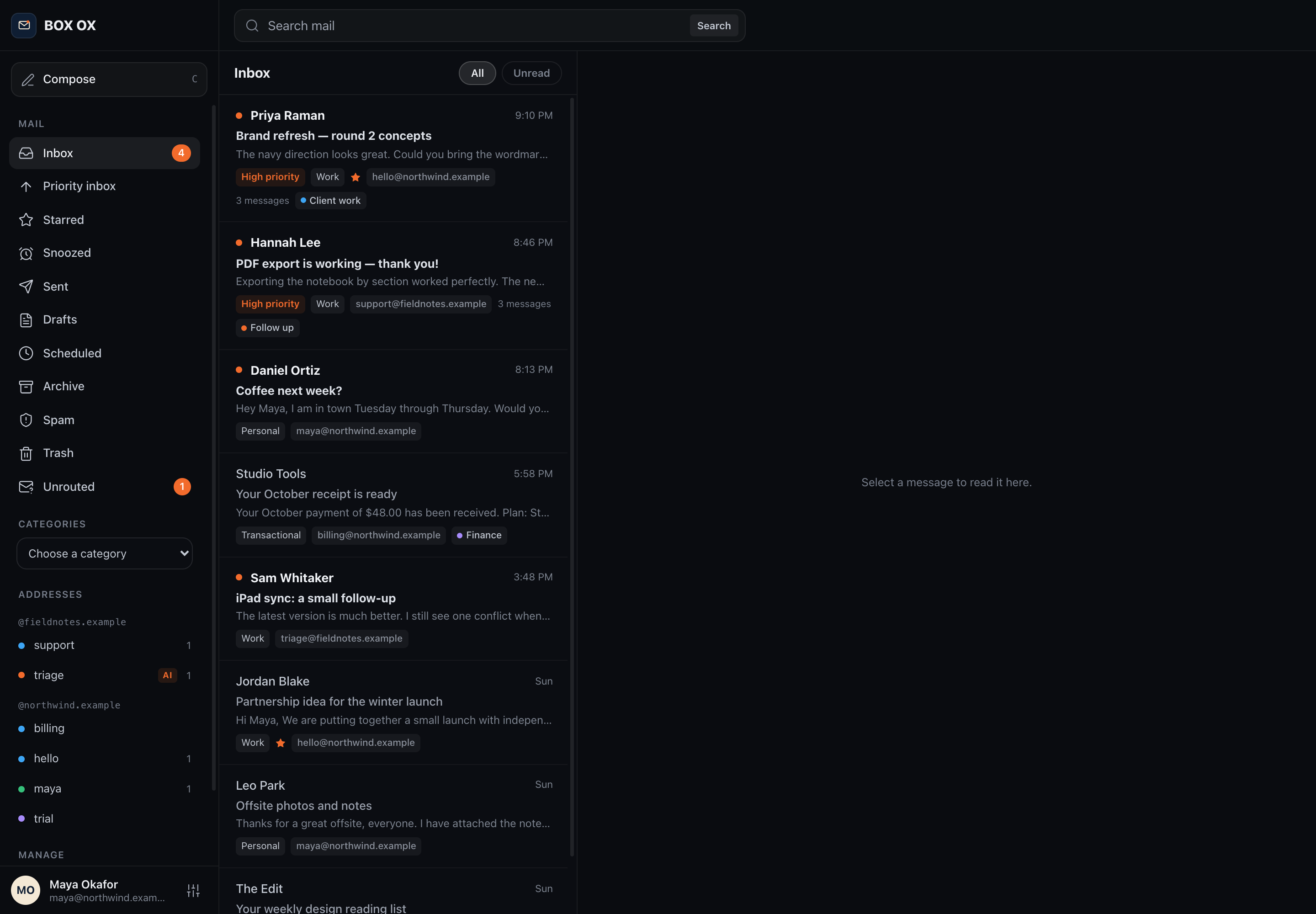
The inbox
See mail across your addresses, with unread counts, categories, and priority badges.
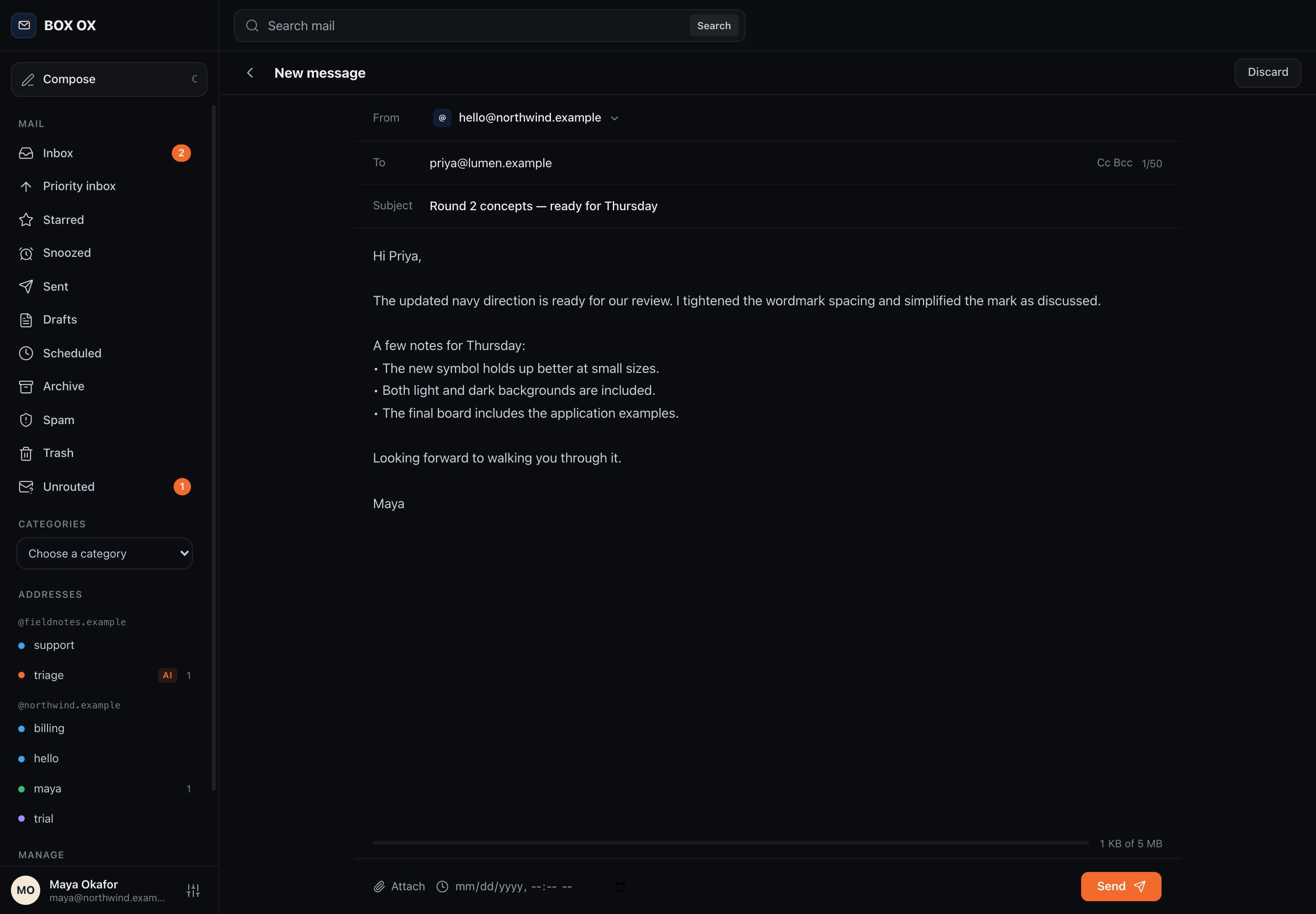
Compose a message
Choose a sending address and pick up a saved draft.
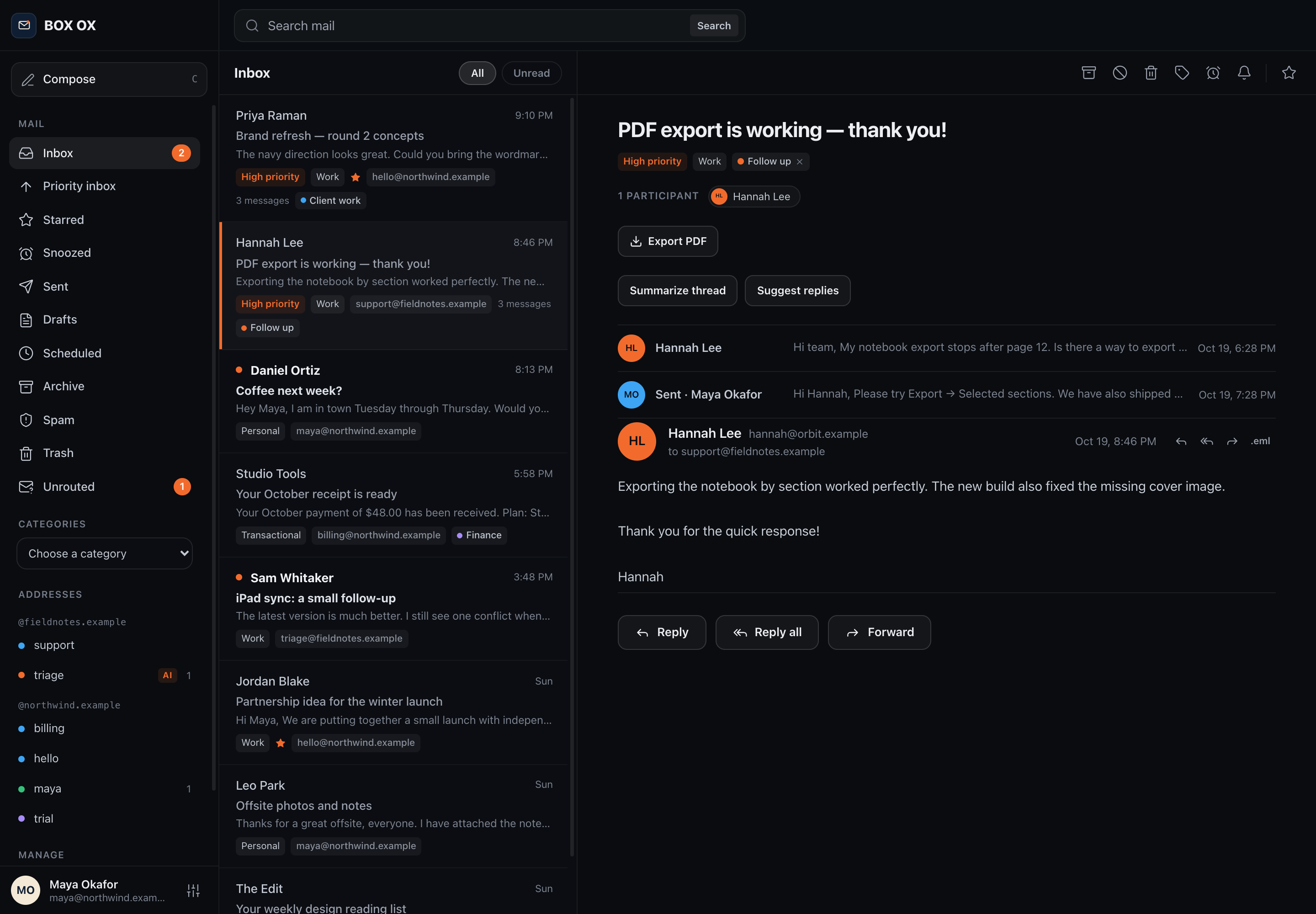
Support conversations
Read and reply to messages sent to a role address such as support@.
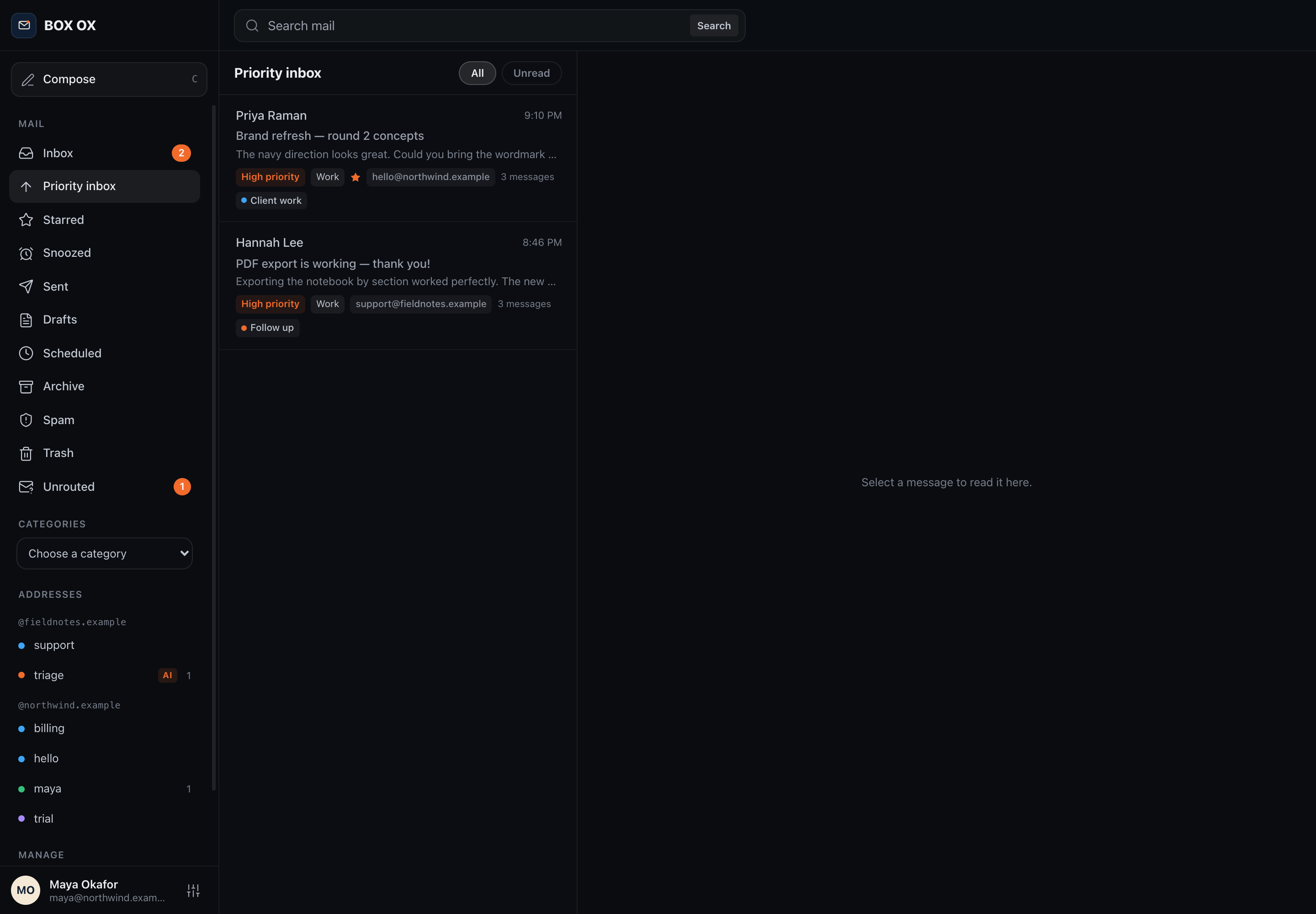
Priority inbox
Focus on conversations marked as high priority.
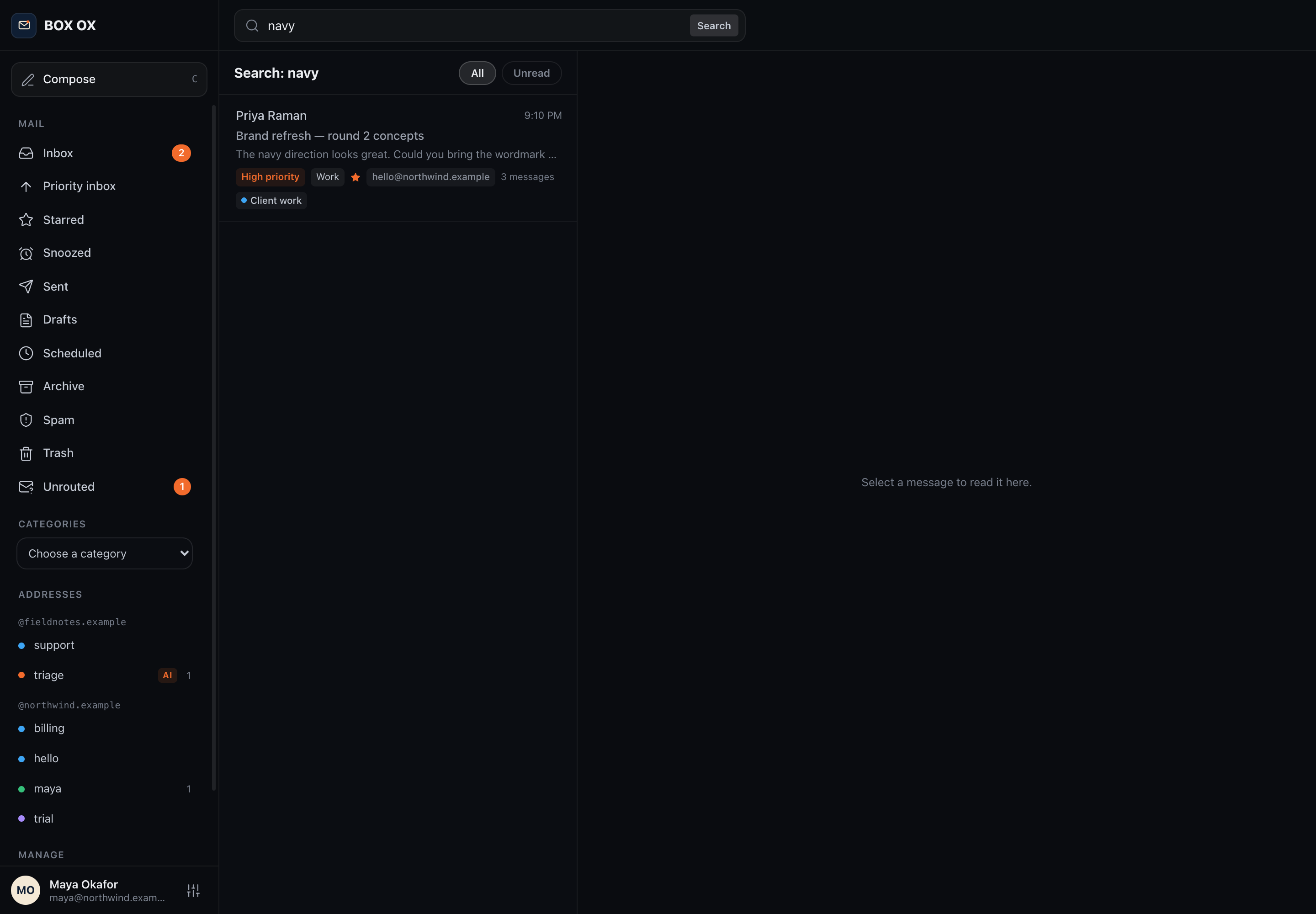
Search your mail
Find matching conversations by searching message content.
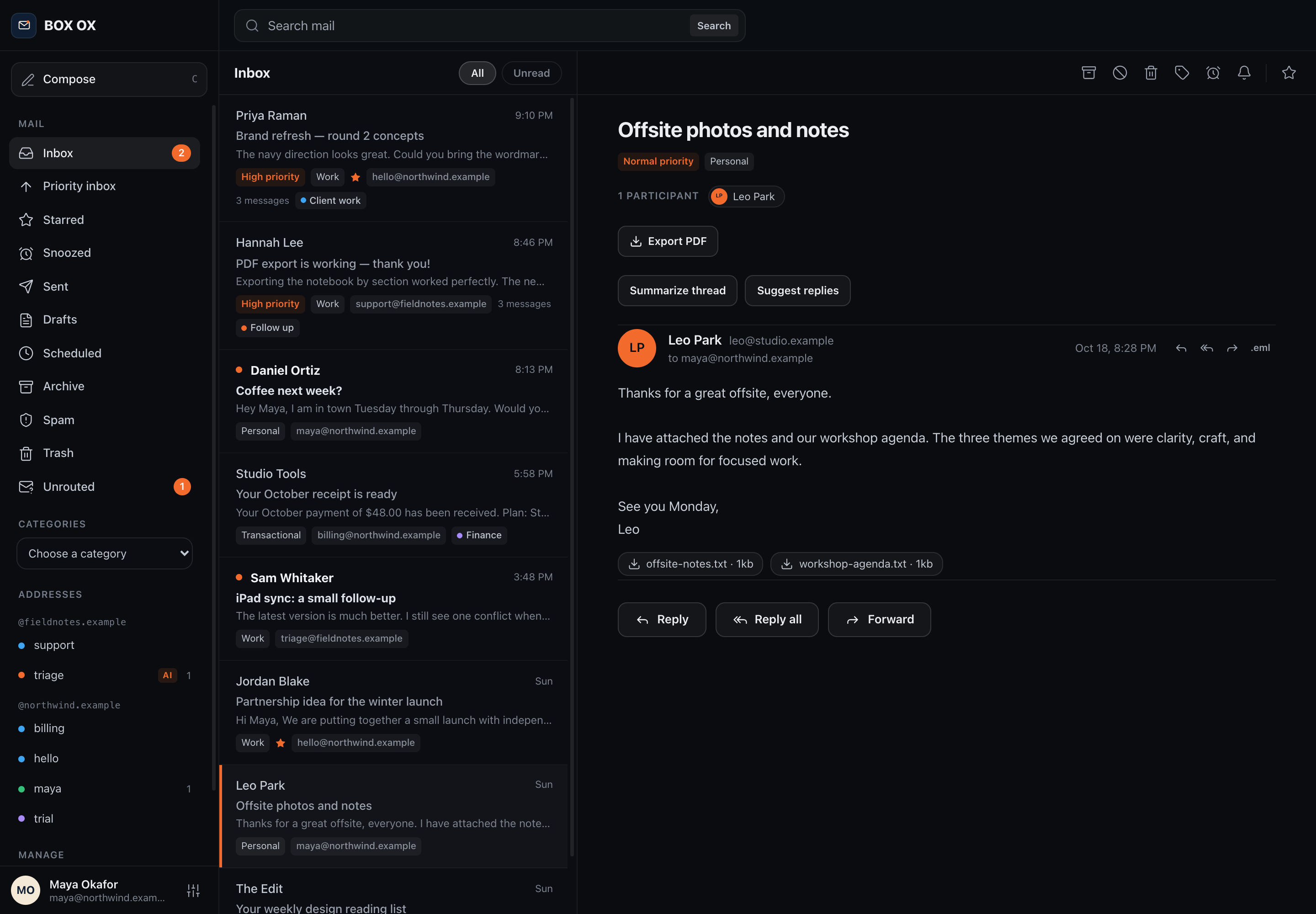
Messages with attachments
Read the message and access its attached files in the same view.
Your domains. Your choices.
Manage addresses, handle unknown recipients, and choose how mail is processed.
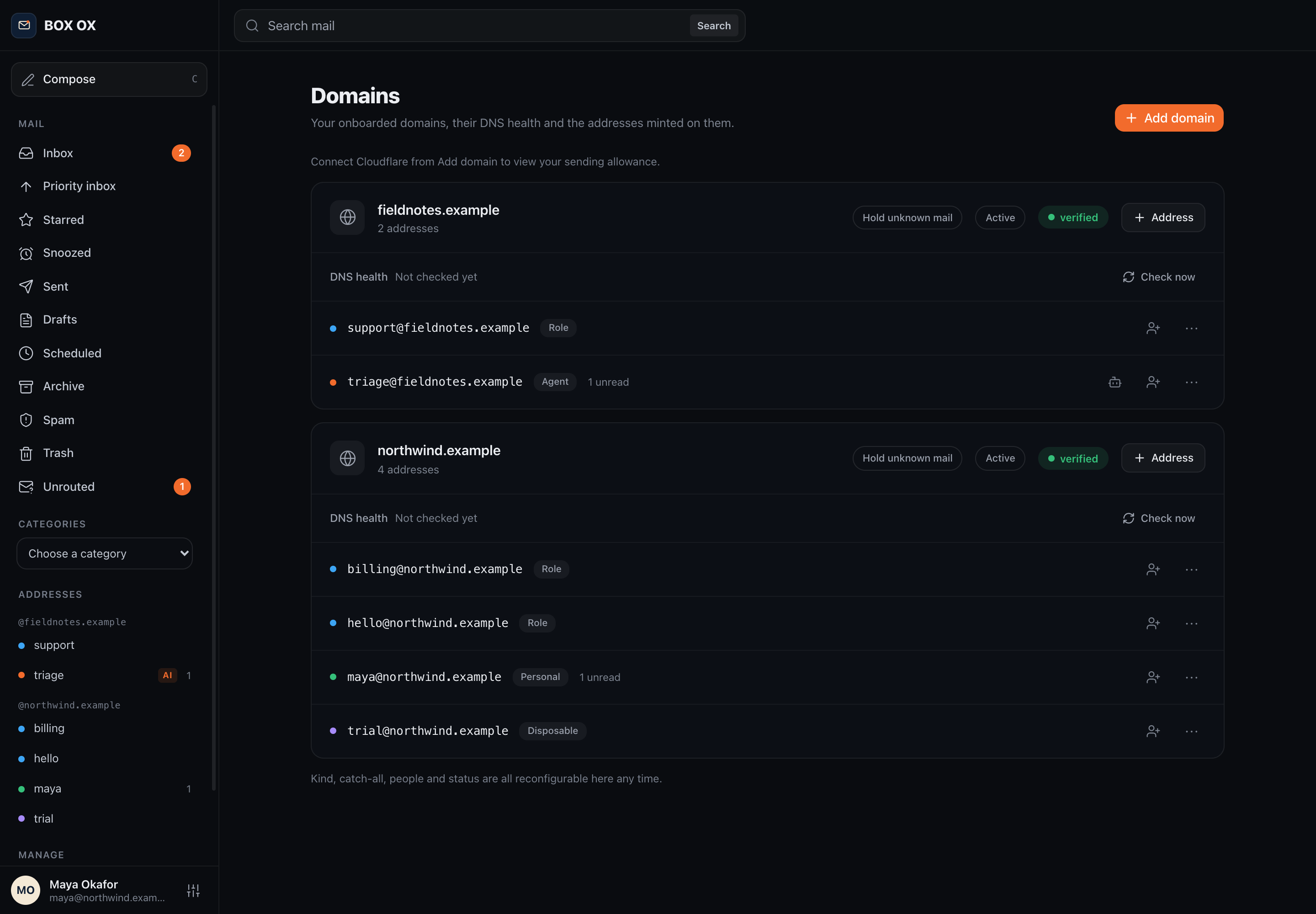
Domains and addresses
Manage personal, role, agent, and disposable addresses on your domains.
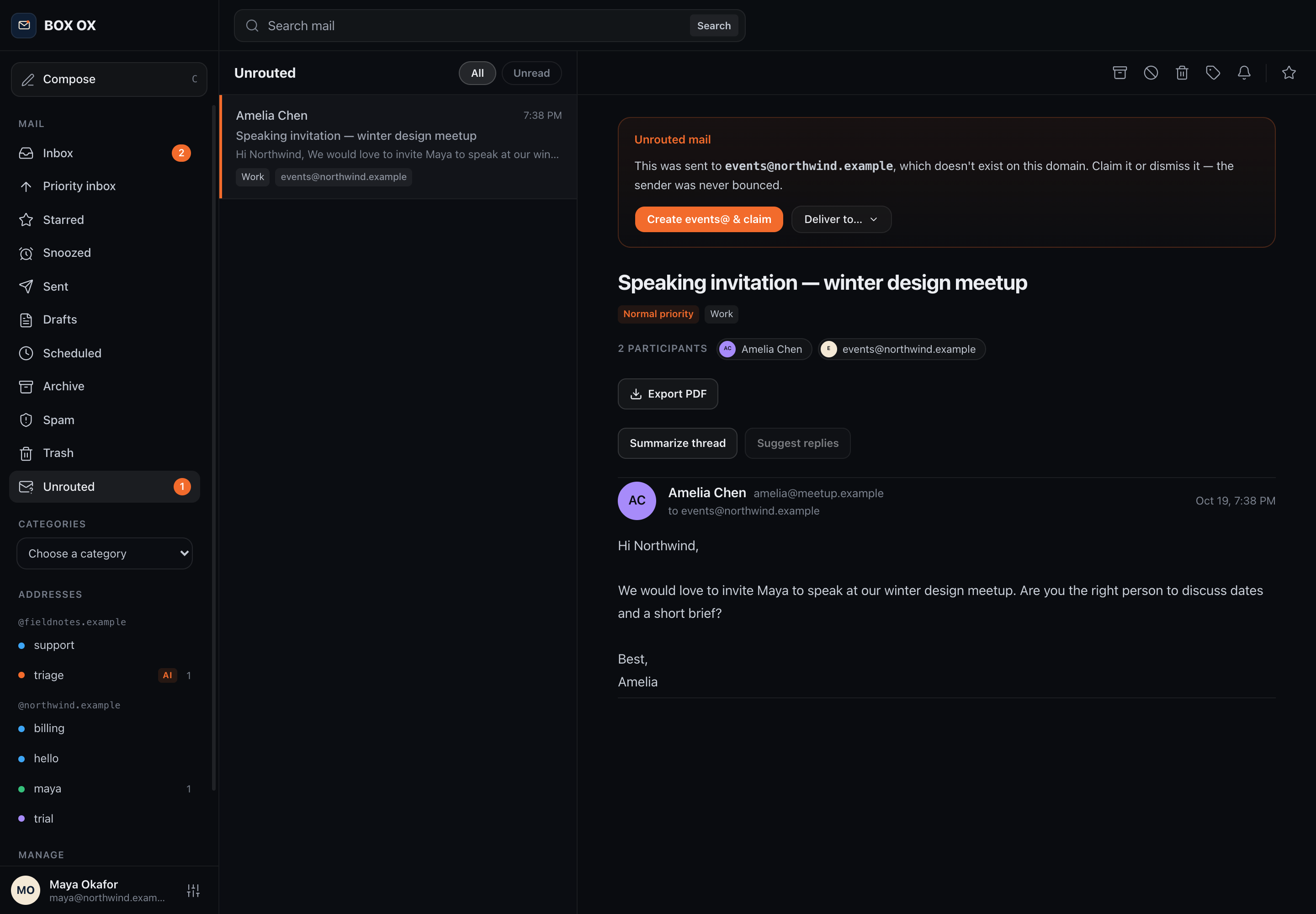
Unrouted mail
Review mail held for an unknown recipient and choose an address to claim it.
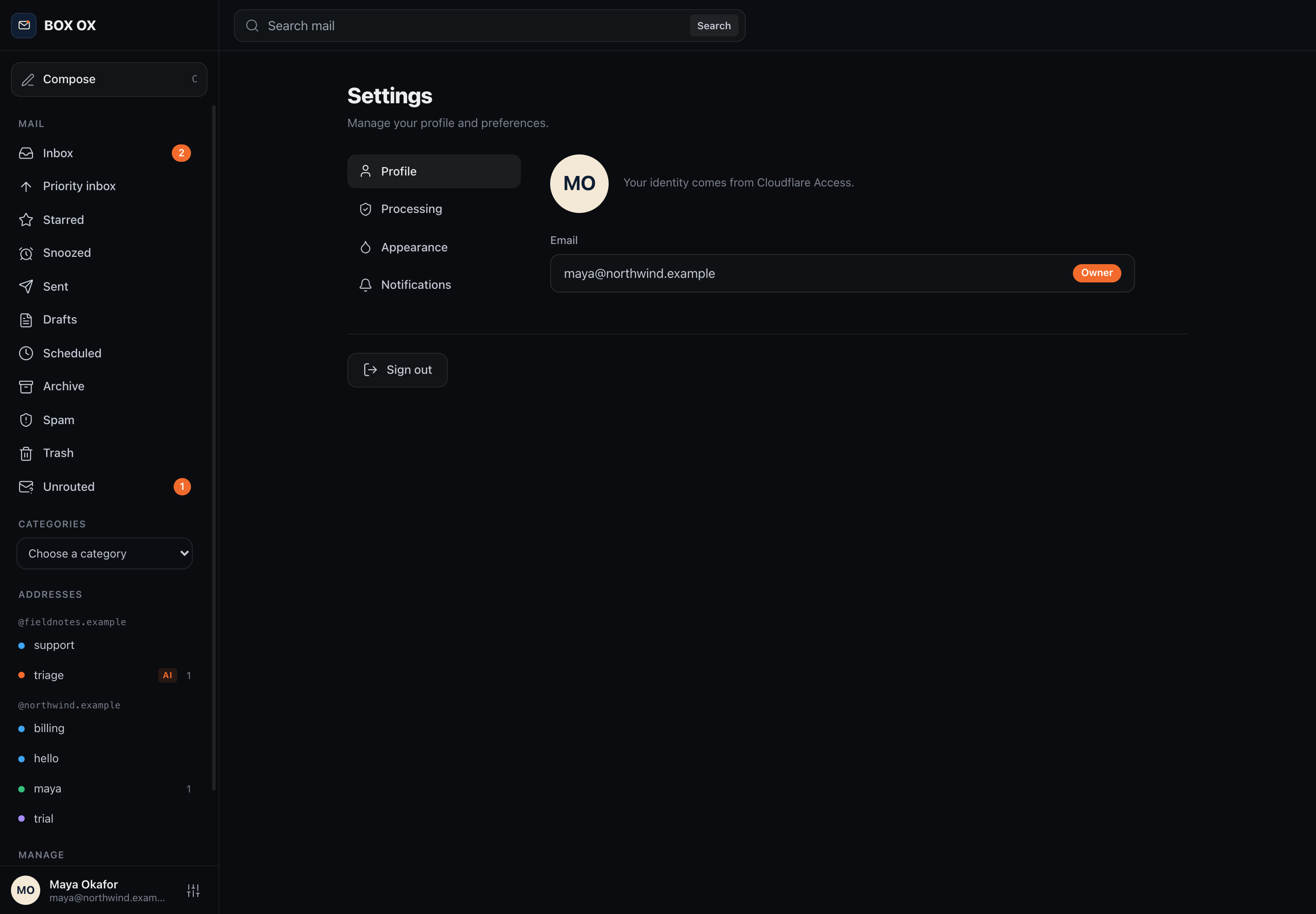
Your Access identity
Your profile comes from Cloudflare Access, with your installation role shown here.
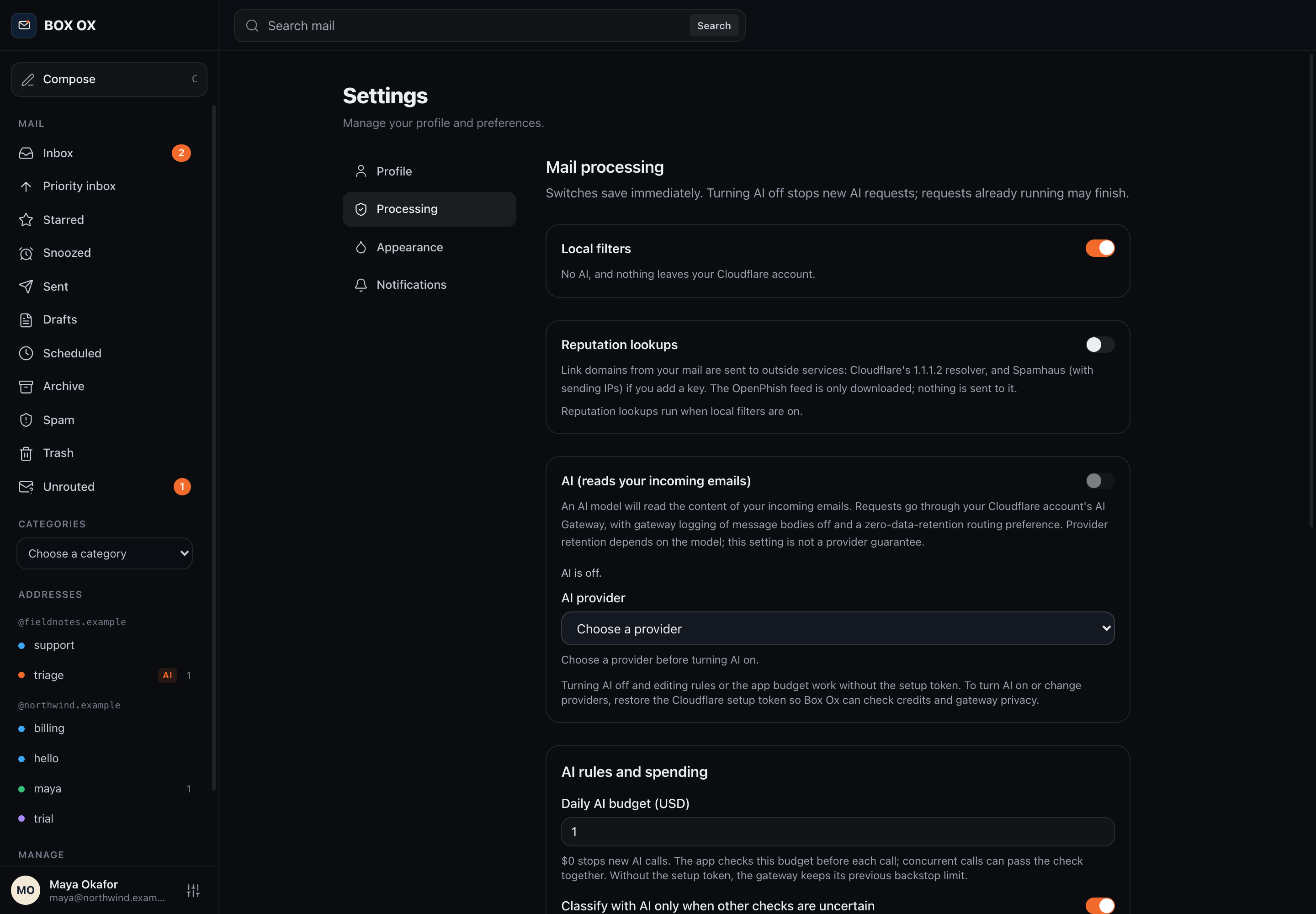
Mail processing
Control local filters, reputation lookups, and optional AI. AI is off in this example.
Tools for your applications.
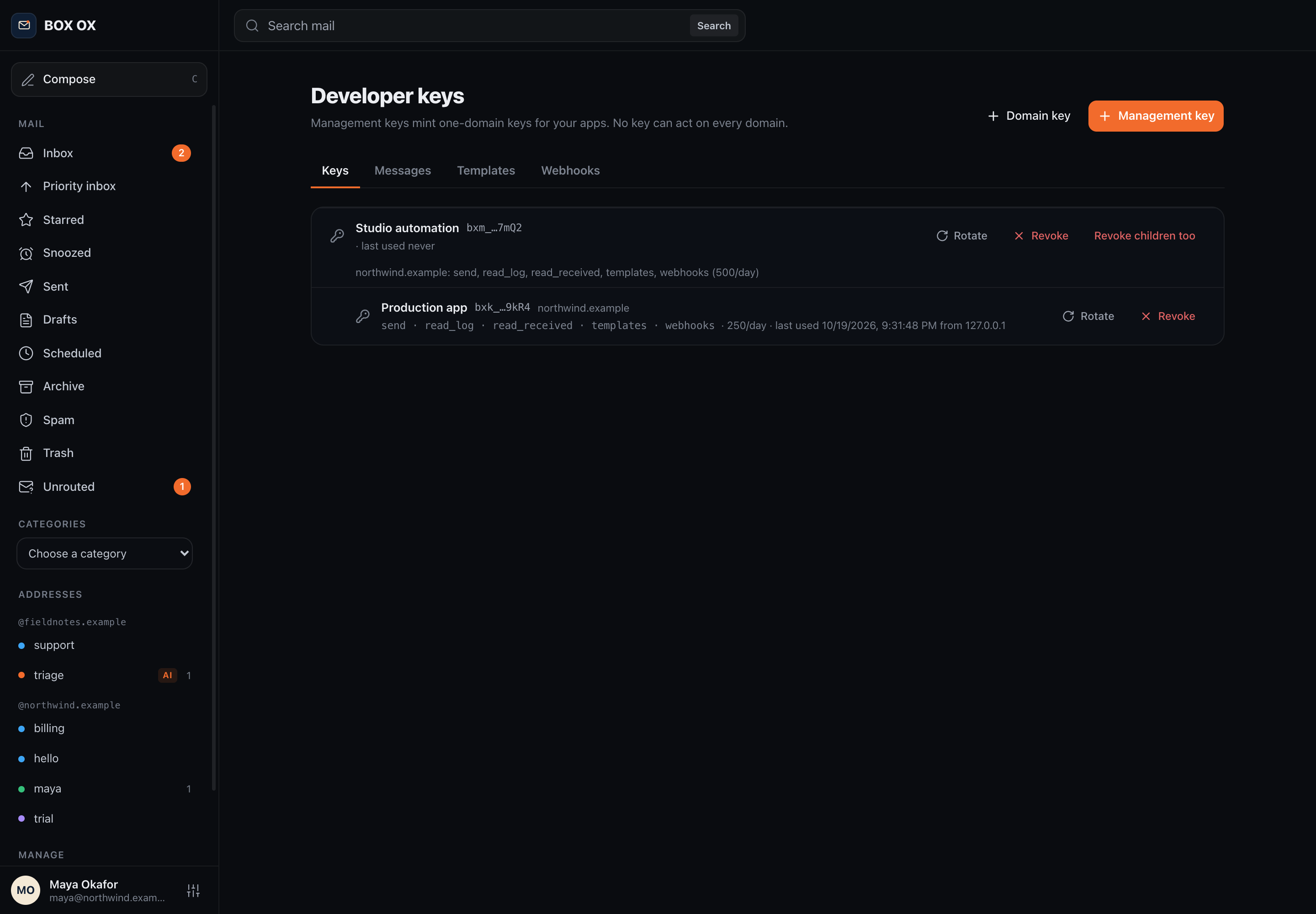
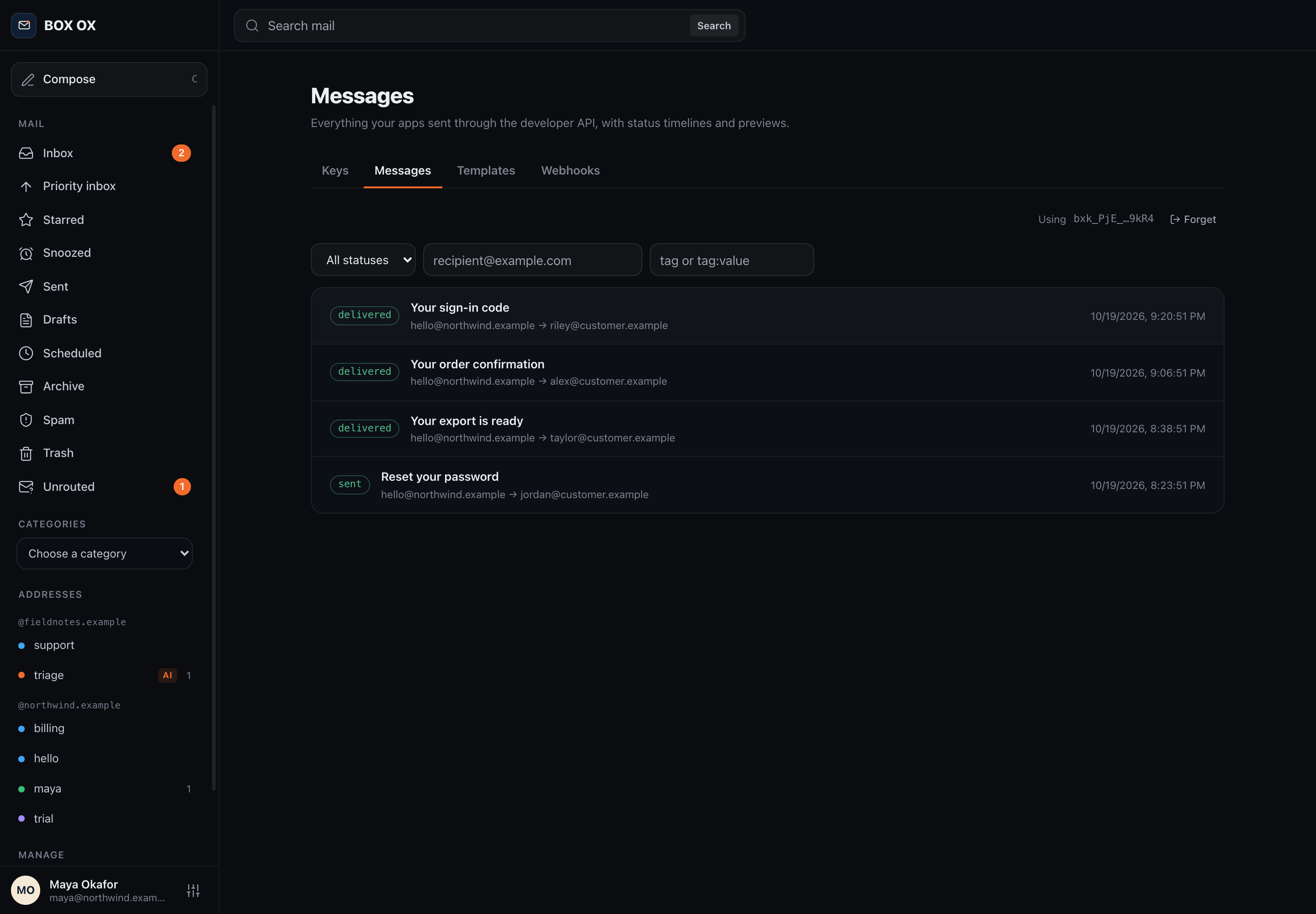
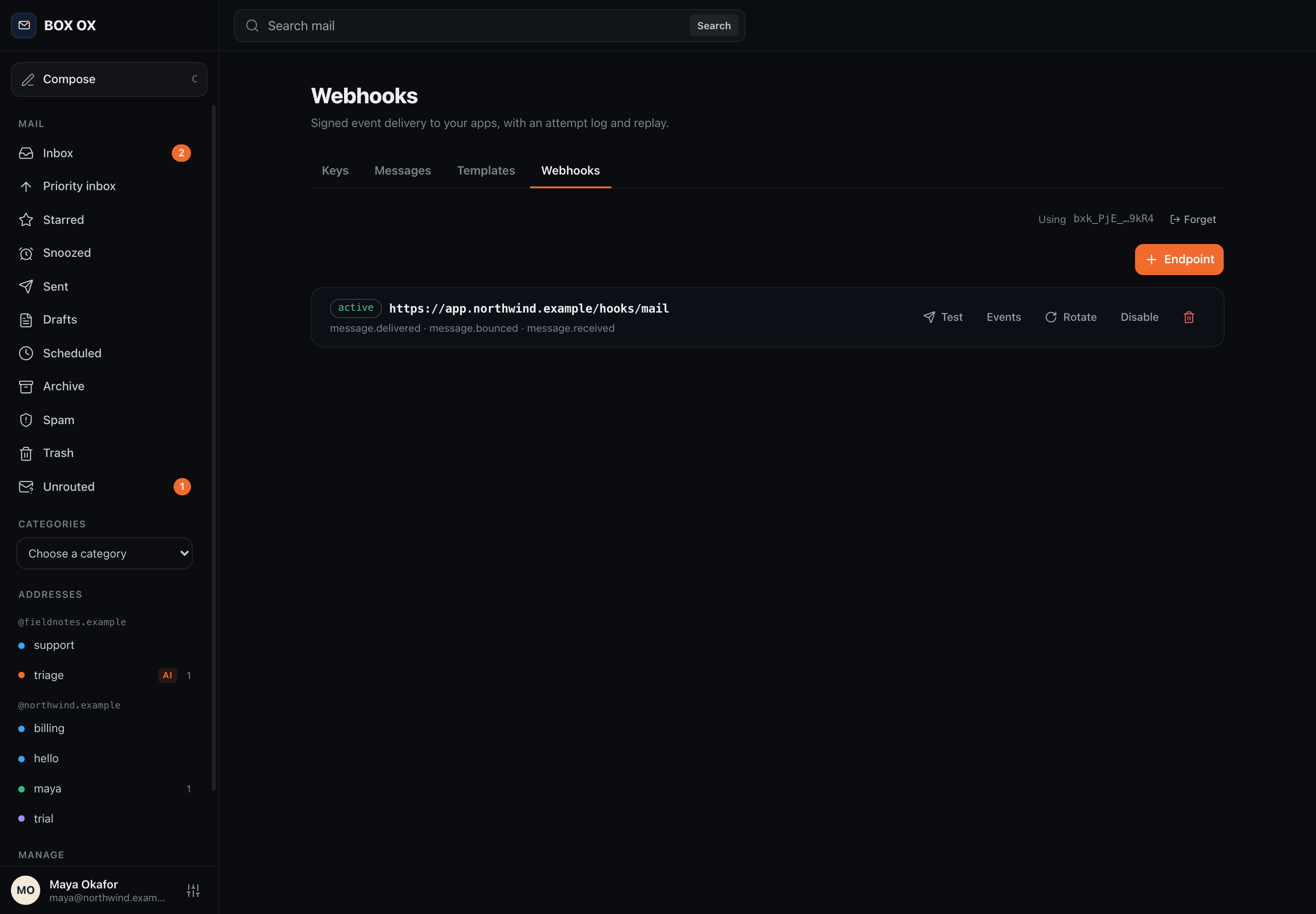
Manage scoped keys, inspect sends, and connect signed webhooks.